Sessions that keep running
Create, rename, stop or delete a session from its sidebar row. Move one to the background and it keeps going while you work elsewhere; a delegated sub-session nests under the session that started it.
One window · many sessions
Meow Coding is a desktop app built around a first-party coding agent. Every session gets a pane and stays mounted, so the ones you are not looking at keep working. The transcript, tool calls, permissions, cost and file edits are all in the app — nothing is a black box.
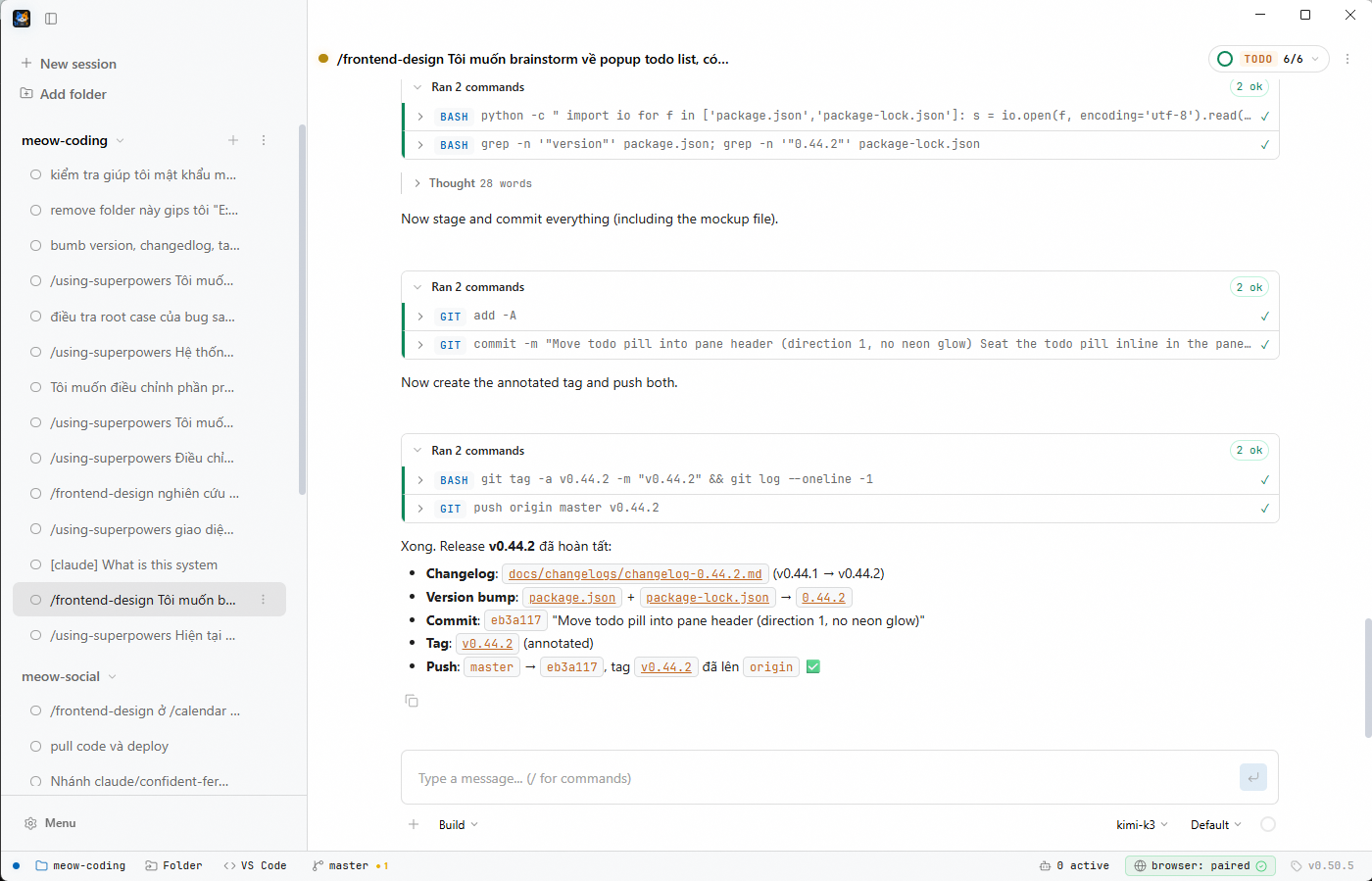
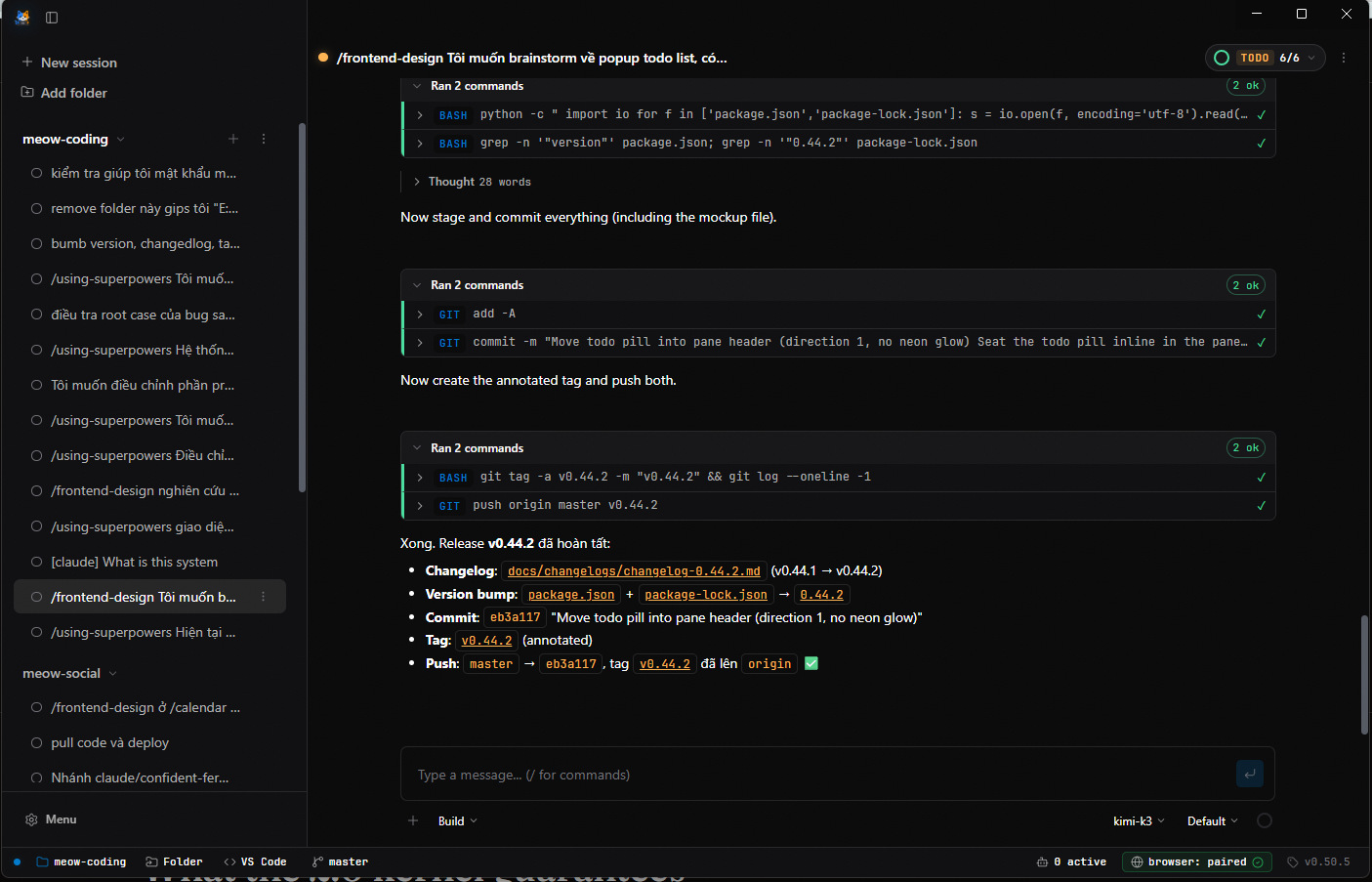
A session is a chat with the Meow agent. It reads and writes your files, runs commands, searches the web, drives a browser, and asks before it does anything you have not allowed.
Create, rename, stop or delete a session from its sidebar row. Move one to the background and it keeps going while you work elsewhere; a delegated sub-session nests under the session that started it.
Streaming output, markdown rendering, tool-call cards, image attachments and per-session undo and redo — no terminal to babysit.
Per-tool allow, ask or deny with wildcard patterns, plus a read-only plan mode for analysis you do not want touching files.
Every turn snapshots the files it touched. Undo restores the files and trims the transcript; redo puts both back.
As a session approaches its context limit, older turns are summarized with a verbatim tail kept intact — so long sessions keep their thread.
Tokens and dollars per session and per model, cache reads included, priced from the models.dev catalog.
Messages sent while a turn is running are queued in their own card — send now, edit or remove them — so you can redirect without stopping the work.
Files, Git, Tasks, Terminal, Browser and Sub-agents dock beside the chat. They fill a shared grid, resize together, and one expands over the whole pane when you need it.
PreToolUse, PostToolUse and Stop hooks run your own policy outside the context window, and a per-project memory store keeps durable notes across sessions.
MCP servers add their own tools to the same list — stdio or HTTP — and a custom tool is a JavaScript module dropped in userData/tools.
Type / to run a command. Five built-ins cover the everyday moves, and six skills — five of them Anthropic's front-end and design skills — load into the turn when the work calls for them.
Write your own in Markdown: $1..$N arguments, @path file contents, !cmd shell output. Subagent roles live in .meow/agents/*.md and can only narrow what your own permission rules already allow.
Providers cover Anthropic, OpenAI, Google and any OpenAI-compatible endpoint, plus several Codex accounts you can switch between — each routed through its own scoped local proxy. API keys and OAuth tokens live in the OS keychain, and the app updates itself in the background, announcing a new version with a toast and a status-bar pill.
The spec → plan → execute workflow comes from obra/superpowers as a design influence; its skills and slash commands are no longer bundled, so project and user skills fill that role.
Download the installer for your platform from the releases page, or build it yourself: npm install && npm run build. The app updates itself in the background and tells you when a new version is ready.